> For the complete documentation index, see [llms.txt](https://docs.rekor.ai/llms.txt). Markdown versions of documentation pages are available by appending `.md` to page URLs; this page is available as [Markdown](https://docs.rekor.ai/edge-pro/calibration-tips/overview.md).
# Overview
With a built-in CPU, Rekor Edge Pro can process all license plate and vehicle reads at the edge. This means that you get actionable knowledge and alerts in real time.
To get the most out of this Rekor Edge Pro Solutioning and Calibration Guide, users should first familiarize themselves with the [Rekor Edge Pro Installation Guide](/edge-pro/introduction.md). Please ensure you are comfortable with the necessary Rekor Edge Pro installation steps, and the Rekor Edge Pro user interface itself, prior to reviewing this document. This guide is intended for technical users who are responsible for the installation and configuration of an IP camera within a network environment.
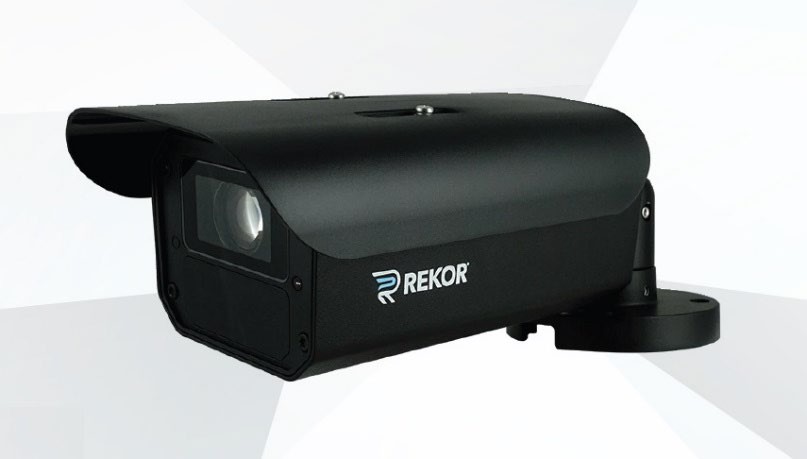
The Rekor Edge Pro is Rekor’s turn-key integrated LPR sensor optimized for pre-wired environments and ideal for access auditing missions such as deployments in neighborhoods, parking lots, garages, schools, and businesses.
Rekor Edge Pro
As a fully integrated PoE camera, installation can be facilitated by simply physically installing the camera and connecting it to a PoE switch via CAT-5E or CAT-6 Ethernet cabling.
Rekor also offers optional connectivity solutions for environments that are not pre-wired to enable the system to be powered by a standard AC power circuit (the Rekor Edge Pro Comms Box), or via our Rekor Edge Pro Solar Kit assembly. Both AC and Solar connectivity solutions feature integrated LTE connectivity to transfer the LPR data to the Rekor cloud environment. Users can either provide their own activated SIM card and cellular service plan or procure Rekor cellular communications as a service.
By capturing and processing LPR on the Edge, the Rekor Edge Pro streamlines data throughput to the Rekor cloud and decreases time-to-capture. This architecture allows the Rekor Scout cloud platform to receive the vehicle read data and push out hotlist hit alerts and webhook data calls to third-party APIs within just seconds of the read event on the Edge.
The Rekor Scout Agent that runs on the Rekor Edge Pro camera system leverages advanced AI to process real-time video streams for observation, vehicle detection, and object grouping. Ultimately this leads to vehicle and plate identification that delivers industry-leading read/capture rates and plate/vehicle accuracy.
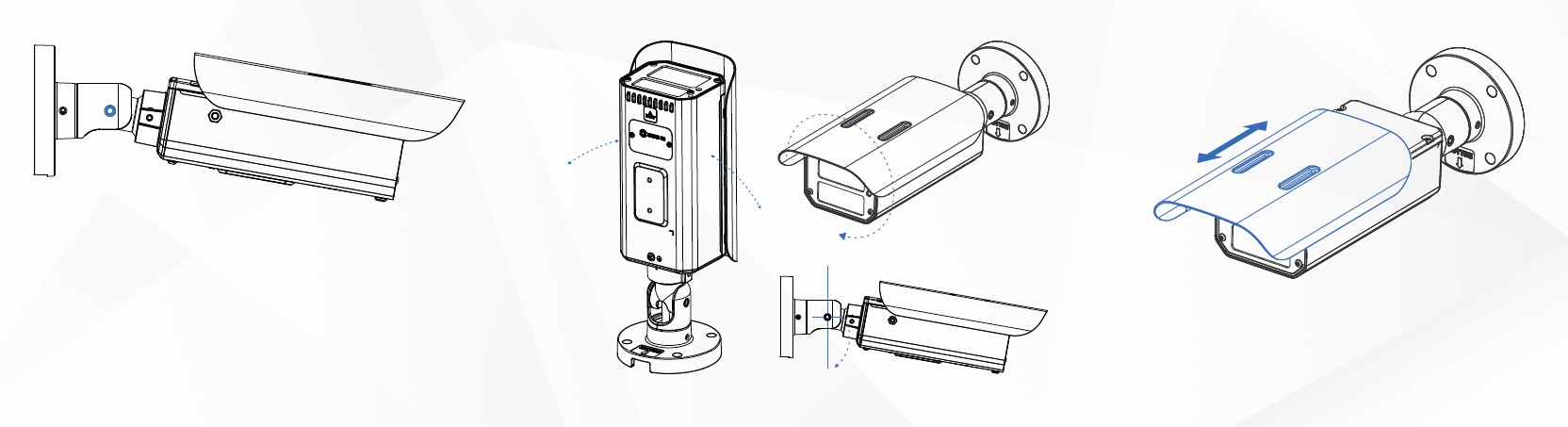
Rekor Edge Pro schematic drawing
---
# Agent Instructions
This documentation is published with GitBook. GitBook is the documentation platform designed so that both humans and AI agents can read, navigate, and reason over technical content effectively. Learn more at gitbook.com.
## Querying This Documentation
If you need additional information that is not directly available in this page, you can query the documentation by asking a question.
Perform an HTTP GET request on the following URL with the `ask` and `goal` query parameters:
```
GET https://docs.rekor.ai/edge-pro/calibration-tips/overview.md?ask=&goal=
```
`ask` is the immediate question: it should be specific, self-contained, and written in natural language.
`goal` is what the user is ultimately trying to achieve, the reason they need the answer. Sharing it helps GitBook give you a better, more relevant answer. A goal is most helpful when it describes the outcome the user wants rather than restating the question. For example, with `ask=how do I create an API token`, a goal like `automate deployments from our CI pipeline` lets GitBook tailor the answer to that use case.
The response will contain a direct answer to the question and relevant excerpts and sources from the documentation.
Use this mechanism when the answer is not explicitly present in the current page, you need clarification or additional context, or you want to retrieve related documentation sections.